Privacy concerns are a hot topic nowadays, as many privacy and security breaches have shaken the giants of the internet. Your computer is full of files that may be used to compromise you, and it would take hours if you wanted to get rid of them manually. Luckily, PrivaZer promises to take care of that problem.
Wiping your digital footprint
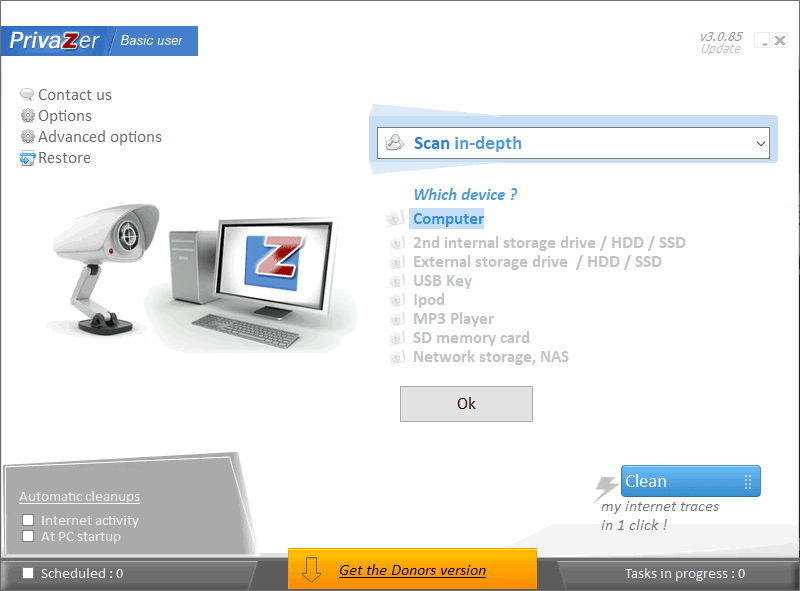
PrivaZer is a free tool that can be used to delete all traces of your activity located on your computer or any storage device you might be using. It scans your system thoroughly and deletes files that contain personal information or activity tracking. Opening it for the first time requires you to go through a set of steps for the initial setup, but you only need to do this once.Tailoring the cleanup process
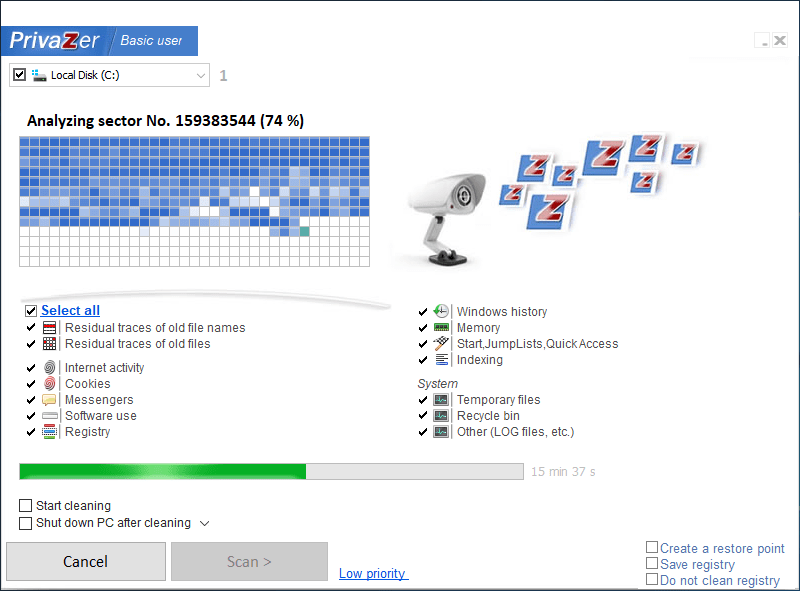
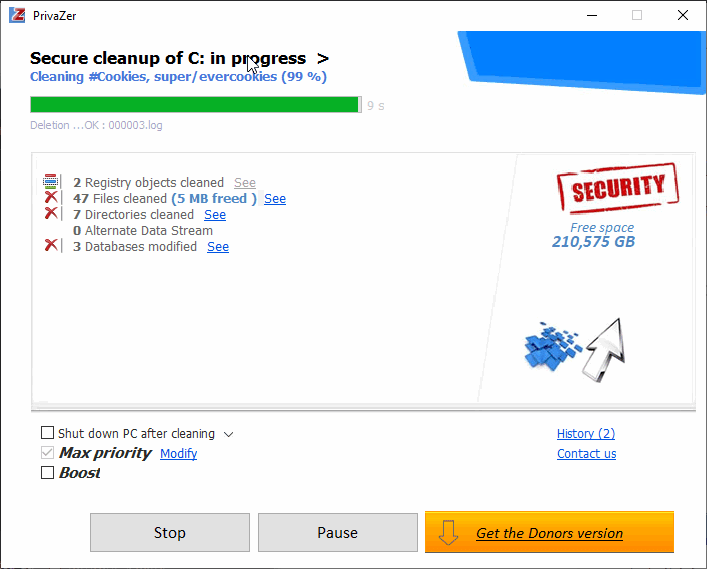
You can select whether you are a basic or an advanced user, and the program adjusts appropriately. Everything the software does on your computer is well explained, so no system instability or data loss should occur. You can perform an in-depth scan of your computer, which should be your first step. Everything on your local drive is checked, and you will find that the first scan definitely takes a while. Cleaning your computer leaves it without a trace of your activities!Scheduling and the PRO version
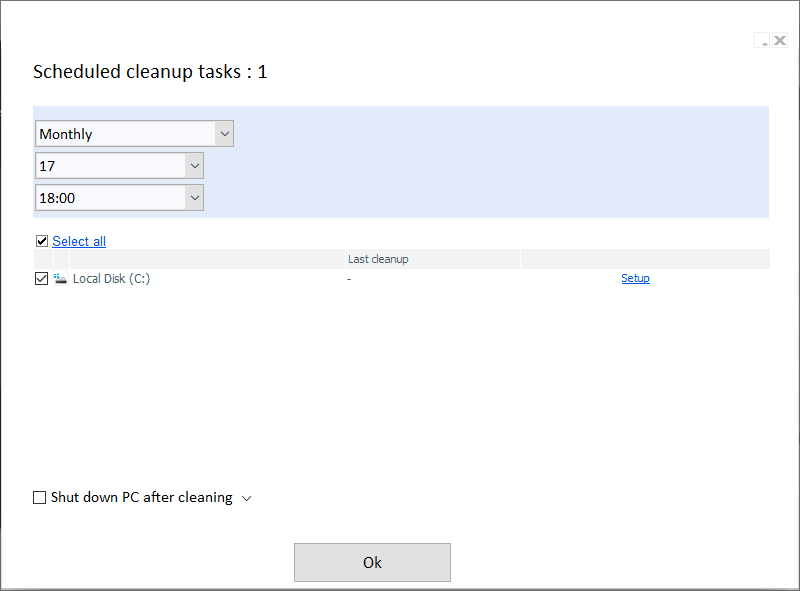
Other useful features include scheduled scans and specific checks, such as internet activities or software use. Check out the advanced options for more useful settings, such as safely deleting files or folders and excluding items from the scanner. There is a PRO version (formerly the Donors version) available to people who choose to contribute financially. They receive some additional features, making the PRO version more of a premium tier. However, the base software offers many things for free, and it's definitely a great tool to have if you are concerned about privacy!